System settings
Instance-wide settings that group admins can change.
The “System settings” tab under “Organization” holds settings for the whole Vectana instance. Only group admins see it.
EOL warnings
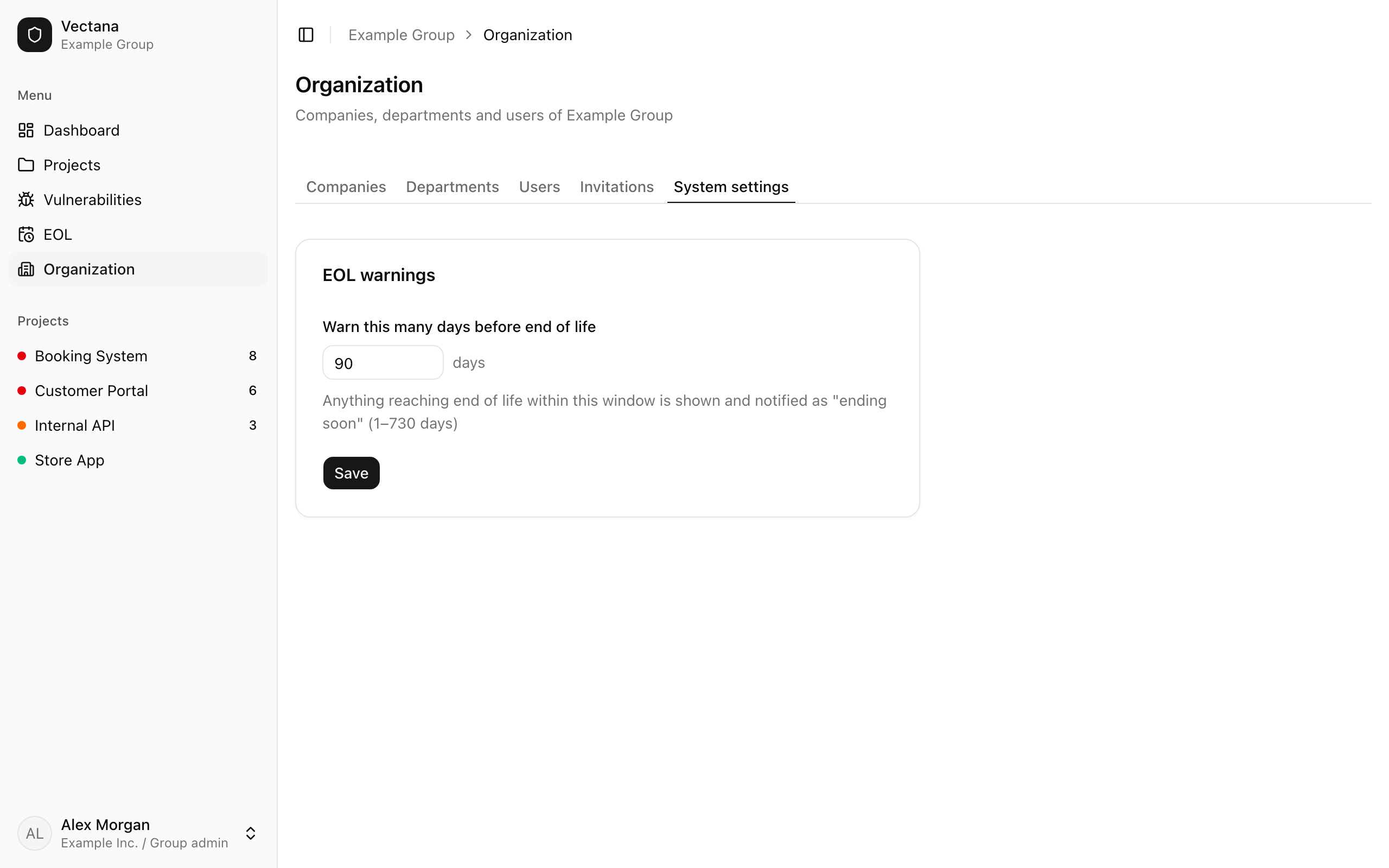
| Setting | Default | Range |
|---|---|---|
| Warn this many days before end of life | 90 days | 1–730 days |
Anything reaching end of life within this window becomes “Ending soon”, is shown as such and is notified.
Saving re-checks EOL for every project right away. Anything that becomes “Ending soon” because the window grew is notified as usual.
Other settings
The group name, check interval, email delivery and so on are server environment variables. See Configuration.