Organization
How groups, companies and departments fit together, and how to add, change and delete them.
Vectana assumes one group made up of several companies, each with its own departments. Manage them under “Organization” in the sidebar (shown to administrators only).
Group (the whole Vectana instance)
├── Parent company
│   ├── Engineering
│   │   ├── Team A
│   │   └── Team B
│   └── Sales
├── Affiliate
│   └── …
└── Partner (BP)
Companies
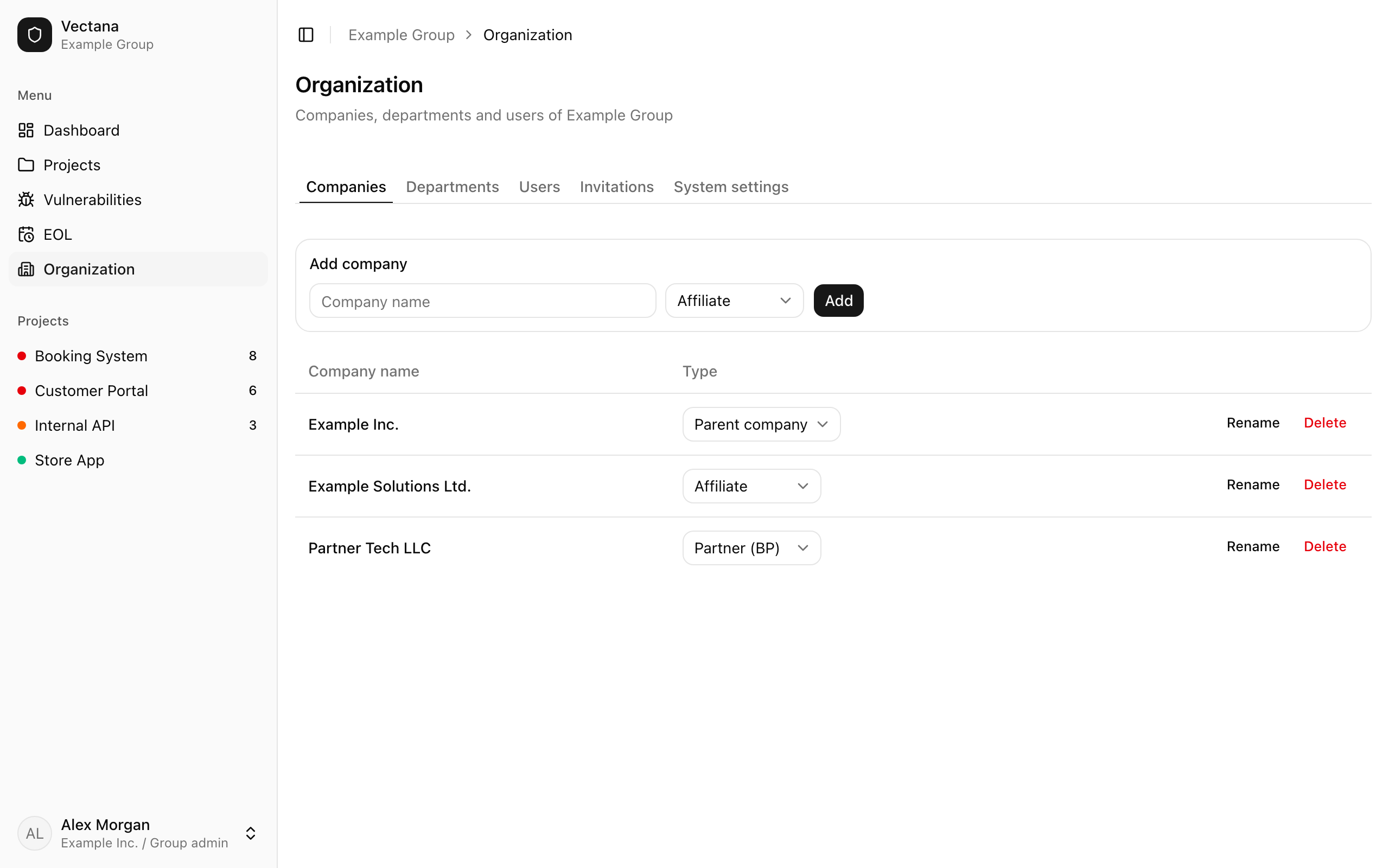
Manage companies on the “Companies” tab. Only group admins can add, rename, change the type of, or delete a company.
| Type | Description |
|---|---|
| Parent company | The group’s main company |
| Affiliate | Another company in the group |
| Partner (BP) | An outside partner company. Its users only see the projects they’re assigned to |
- Only parent and affiliate companies can own projects
- A company that still has users or projects can’t be deleted
- A company with administrators can’t be turned into a partner. Change those administrators to members first
Departments
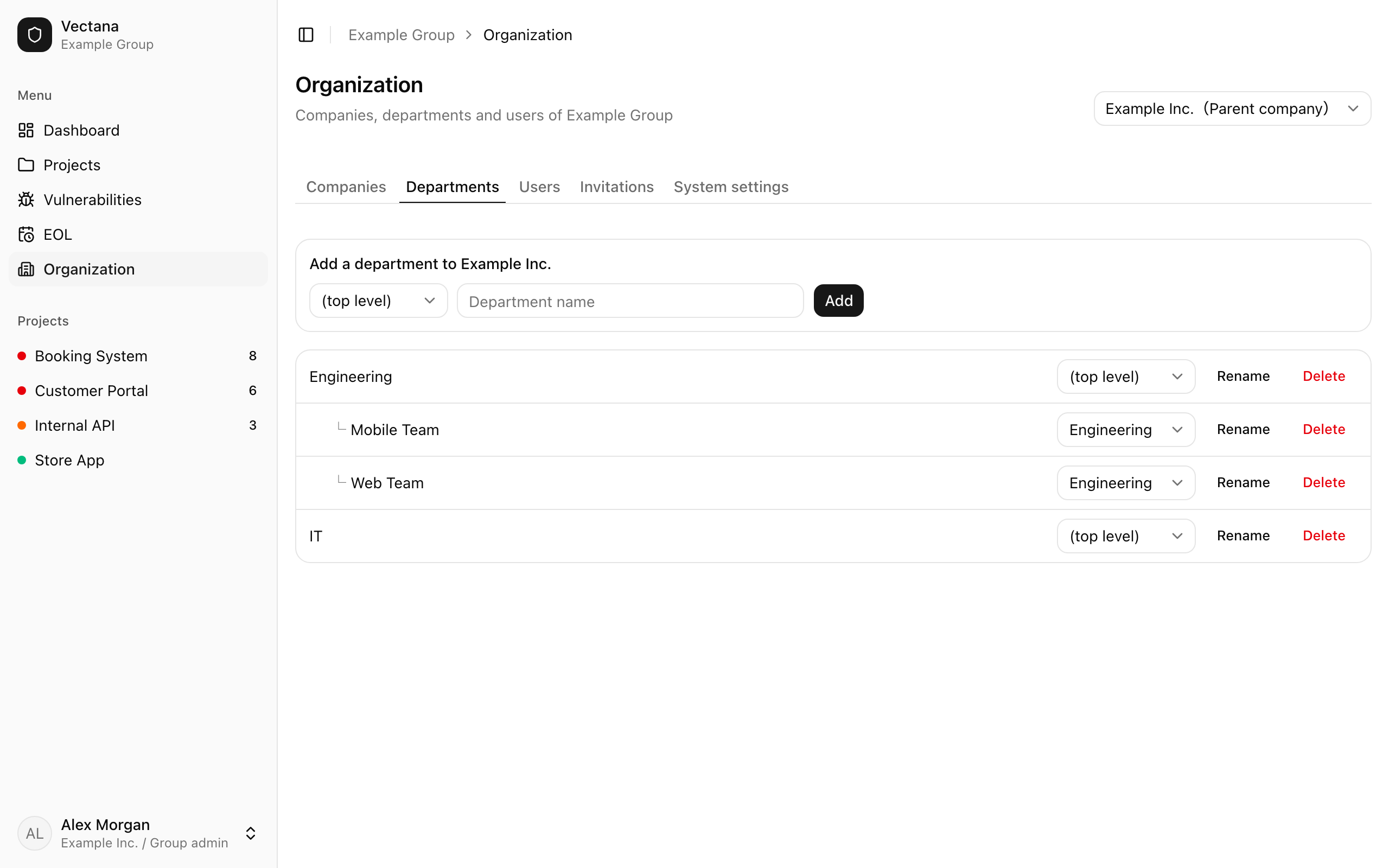
Manage departments on the “Departments” tab. Group admins manage every company’s departments, company admins their own company’s. If you manage several companies, switch between them at the top right.
- Departments can be nested (division > department > team…). Pick a “Parent department” when adding or moving one
- A department can’t be moved under itself
- A department with sub-departments can’t be deleted. Delete the sub-departments first
Departments are used for user membership and as a project’s department.